Campus Ambassador Content Rights: Buyer Checklist
Decide how your brand can use student-created content before commissioning it, with a practical rights checklist for organic posts, paid ads, and renewals.
By Collegiate Agency
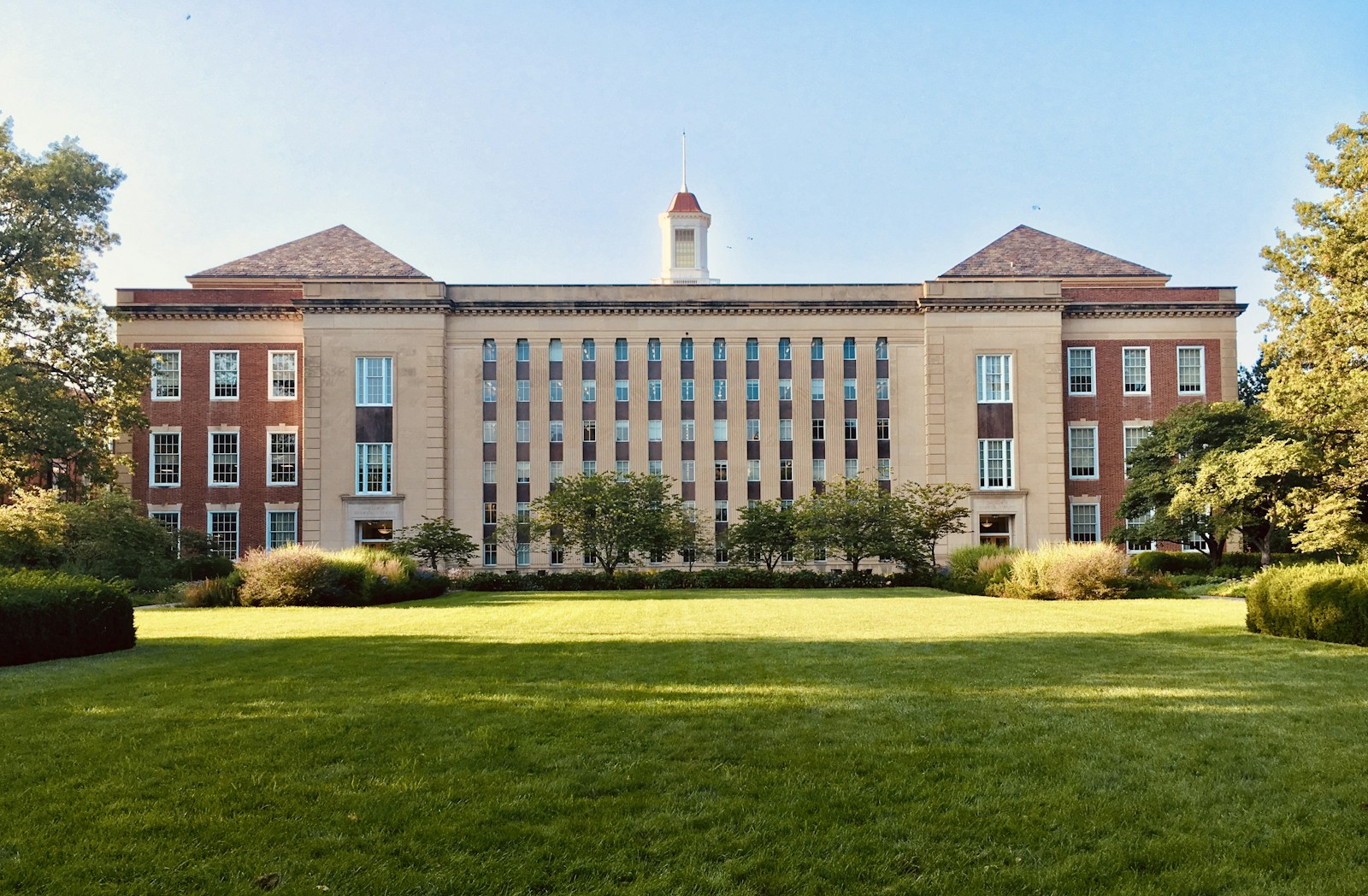
Photo: Michael Marsh / Unsplash · License. Illustrative campus photograph, not a Collegiate Agency activation or endorsement.
Campus ambassador content rights determine what your brand may do with student-created photos and videos after they arrive in your inbox. A creator agreeing to publish a post does not, by itself, answer whether you may turn that post into an advertisement, change its message, or keep using it after the program ends. Resolve those questions before you approve a brief or buy media.
If you are evaluating an agency, ask for a rights schedule alongside the deliverables. You need a practical record that connects each asset to its permitted uses, approval owner, and end date. Use the questions below to scope that record with procurement and counsel. This is a commercial planning checklist, not legal advice or a substitute for reviewing the actual agreement.
Illustrative campus photograph, not a Collegiate Agency activation or endorsement.
Start with the places you actually intend to publish
List the intended destinations before negotiating broad language. A student posting to their own account, your brand reposting on an owned social channel, and your media team running a paid advertisement are different uses. Your agreement should address the uses you need rather than relying on a general promise that content is included.
Write a sentence for each planned use: who publishes, on which account or channel, for what period, and with what editing permission. Include your website, email, sales presentations, retail screens, and agency portfolio if any are genuinely part of the plan. Do not request every possible use simply because a template contains it. Wider requests can create questions you do not need to resolve for the pilot.
Separate deliverable quantities from permission scope. Receiving three finished videos does not explain whether you receive raw footage, whether you can make shorter cuts, or whether captions can be translated. Treat those as explicit questions. If you expect the media team to create alternate versions later, identify that workflow before the student films the original.
When comparing brand ambassador programs, ask who assembles these permissions and who checks that they match your brief. The useful answer is a named role, a documented review step, and a record your team can access. A statement that the agency handles creators is not enough to establish which uses your purchase includes.
Put a rights matrix beside the creative brief
Use the following matrix as a conversation template. It is not a set of default permissions. Each row should produce a written answer linked to the applicable agreement and asset. Leave a use unapproved until the responsible reviewer confirms it, rather than treating an empty cell as consent.
| Planned use | Questions to settle | Evidence to retain | Release checkpoint |
|---|---|---|---|
| Student account post | Which account, format, and posting window are agreed? | Accepted brief and publishing approval | Before the student posts |
| Brand organic repost | Which brand channels and duration are permitted? | Written permission tied to the asset | Before scheduling the repost |
| Paid advertising | Which placements, term, and edits are included? | Approved paid-use scope and media handoff | Before media activation |
| Edited or translated version | Who approves cuts, captions, and changed context? | Version record and approval | Before exporting the final variation |
| Website or sales use | Which pages, presentations, and audiences are covered? | Approved destination list and term | Before distributing the material |
| Renewal or archive | What expires, what stays public, and what can be retained? | Renewal decision and retention instructions | Before the original term ends |
Add the asset identifier, responsible reviewer, and agreed end date to your working version. Store the evidence in a controlled project folder rather than a student group chat. A person covering a colleague's absence should be able to find the approval without searching personal messages or making assumptions from an old campaign.
Keep ownership and licensed use separate in your questions. Your team may need permission for a defined campaign without needing every underlying right. Ask counsel to explain the proposed arrangement in operational language: what you can do today, what needs another approval, and what happens when the term expires. Do not present this matrix as a legal conclusion about who owns an asset.
Clear the content inside the content
The student's own permission is only one part of the review. A video can include a roommate, a music track, a visible artwork, a third-party logo, or footage taken in a location with filming restrictions. Ask the agency how those elements are identified and when additional permissions are needed for your intended distribution. Avoid assuming that a file being easy to download makes it ready for brand advertising.
Give students a practical capture brief. Identify approved locations, explain when to avoid identifiable bystanders, and specify the music and graphics workflow. Ask them to flag uncertain material before submission. Your review process should make it easy to replace a questionable clip without pressuring a student to claim that everything is cleared.
Platform tools deserve separate attention. A sound available to a student inside an app is not proof that your brand can use the exported video in another channel or in paid media. Have the appropriate reviewer check the applicable terms for the intended use. Preserve a clean version where the production plan calls for separately approved audio.
For footage gathered at campus events, assign responsibility for coordinating with the organizer and venue before filming begins. Attendance at an event should not be treated as a universal answer to every permission question. Explain the proposed use to the people responsible for the production and ask what notices, releases, or restrictions apply to that specific setting.
Approve the endorsement, not just the file
A technically usable video can still communicate something your brand should not publish. Review the spoken claims, captions, on-screen text, and overall context together. Ask whether the student is describing an actual experience and whether the proposed edit changes its meaning. Keep unsupported product promises out of the brief instead of expecting students to fix them during filming.
Disclosure is a separate check from content licensing. The FTC's disclosure guidance for social media influencers explains that material connections include payment and free or discounted products. It also says disclosures should be hard to miss and placed with the endorsement, rather than left only on a profile page. Use that guidance to inform review; it does not establish that a particular campaign is compliant.
Ask who checks the actual published version. A disclosure approved in a draft can disappear when a caption is shortened or a video is cropped. For video, the FTC guidance discusses disclosure within the video, not only in its description. Build review around the format students will actually publish, with qualified advice for claims or categories that need additional scrutiny.
Create a correction path before launch. Name the person who can pause scheduling, request a revision, or contact the student about a live error. Record which version was approved and which version went live. If your agency cannot explain that handoff, more deliverables will not resolve the underlying review gap.
Close the loop before renewing or reusing an asset
Rights management continues after the recap. Your social, media, and website teams may use different scheduling tools, so an end date in the agency's spreadsheet will not automatically stop every placement. Assign an internal owner to translate the agreed term into reminders and channel-specific actions. Confirm whether existing organic posts can remain public and whether new use must stop.
Distinguish an internal archive from permission to publish again. Retaining a file for recordkeeping does not answer whether you can place it in next semester's campaign. Ask what records should be retained, who should have access, and how unnecessary personal information will be removed. Keep the agreement and approval evidence accessible without circulating student contact details through the broader marketing team.
Before you release the first batch, work through this checklist:
- Match every approved asset to a student, agreement, and version identifier.
- Confirm each intended channel and whether paid use is included.
- Record the start date, end date, and person responsible for renewal decisions.
- Check editing, music, location, and third-party permission questions.
- Review claims and disclosures in the final format, not just the original brief.
- Give publishing teams the approved files and clear restrictions together.
- Test the pause, correction, and end-of-term removal process with the responsible owners.
If you need an extension, start the conversation before the current permission ends. State the new destinations, duration, and creative changes, then obtain the necessary written approval before scheduling. Do not assume that continued access to a shared folder means continued permission to distribute its contents.
Bring your intended channels and this matrix when you discuss a campus program. A useful scope tells you what students will create and how your team can responsibly use it. That makes the purchase easier to compare, the handoff easier to manage, and the next campaign less dependent on reconstructing permissions after the fact.
We screen, verify, and manage campus ambassadors so brands get reliable representation - not a gamble.
Explore our ambassador program